Events Page & New Budget Tools

Events Page 📅
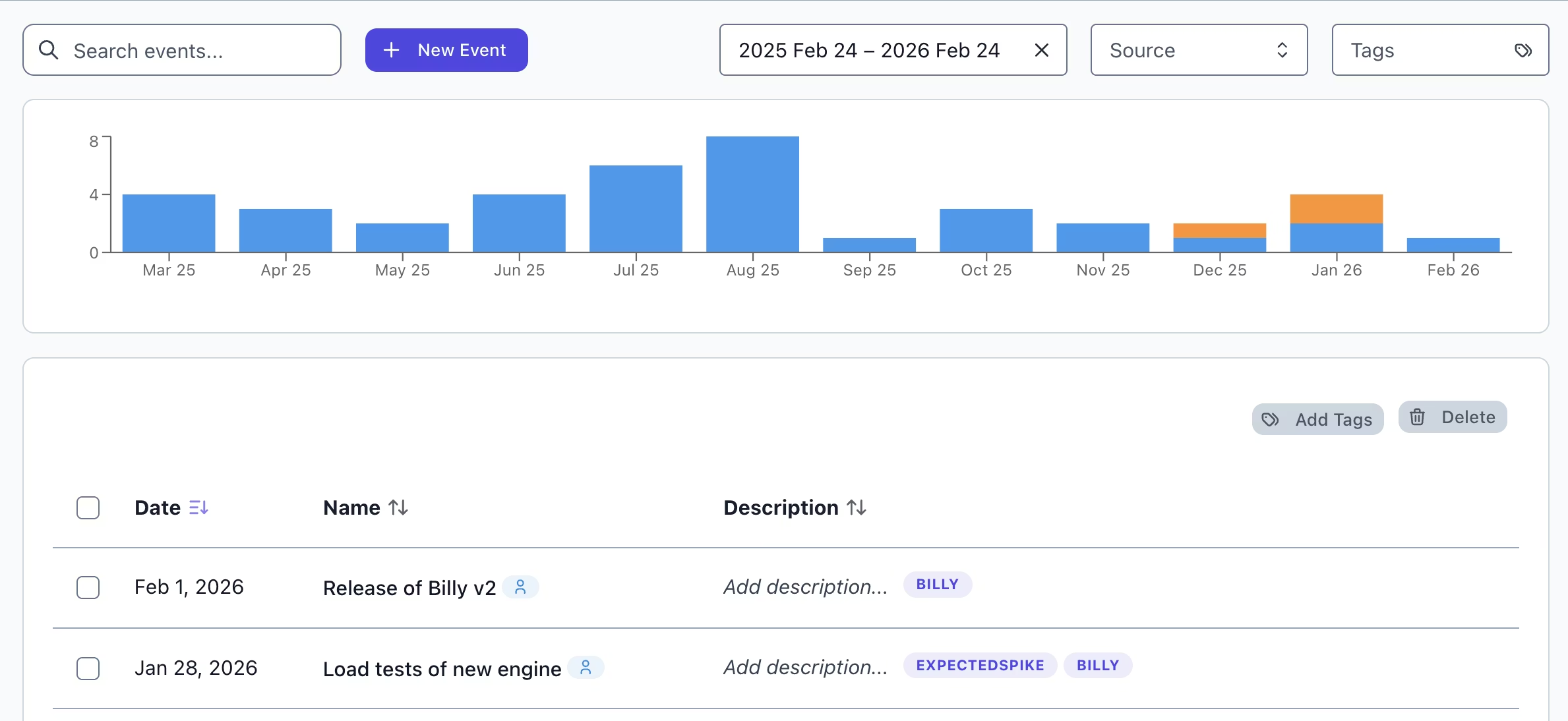
Tracking deployments, incidents, and infra changes shouldn't feel like detective work. We've added a dedicated Events page so you can see exactly what happened and when, with full filtering and tagging support.
What's new:
-
Centralized View: Browse all events with metadata, tags, and provider info at a glance.
-
Instant Insights: Use the inline explorer modal to see the cost impact of any single event without leaving the page.
-
Save as Context: Jump directly from an event into the Advanced Explorer with filters pre-filled to drill into the "why" behind cost spikes.
Budget Configuration 💰
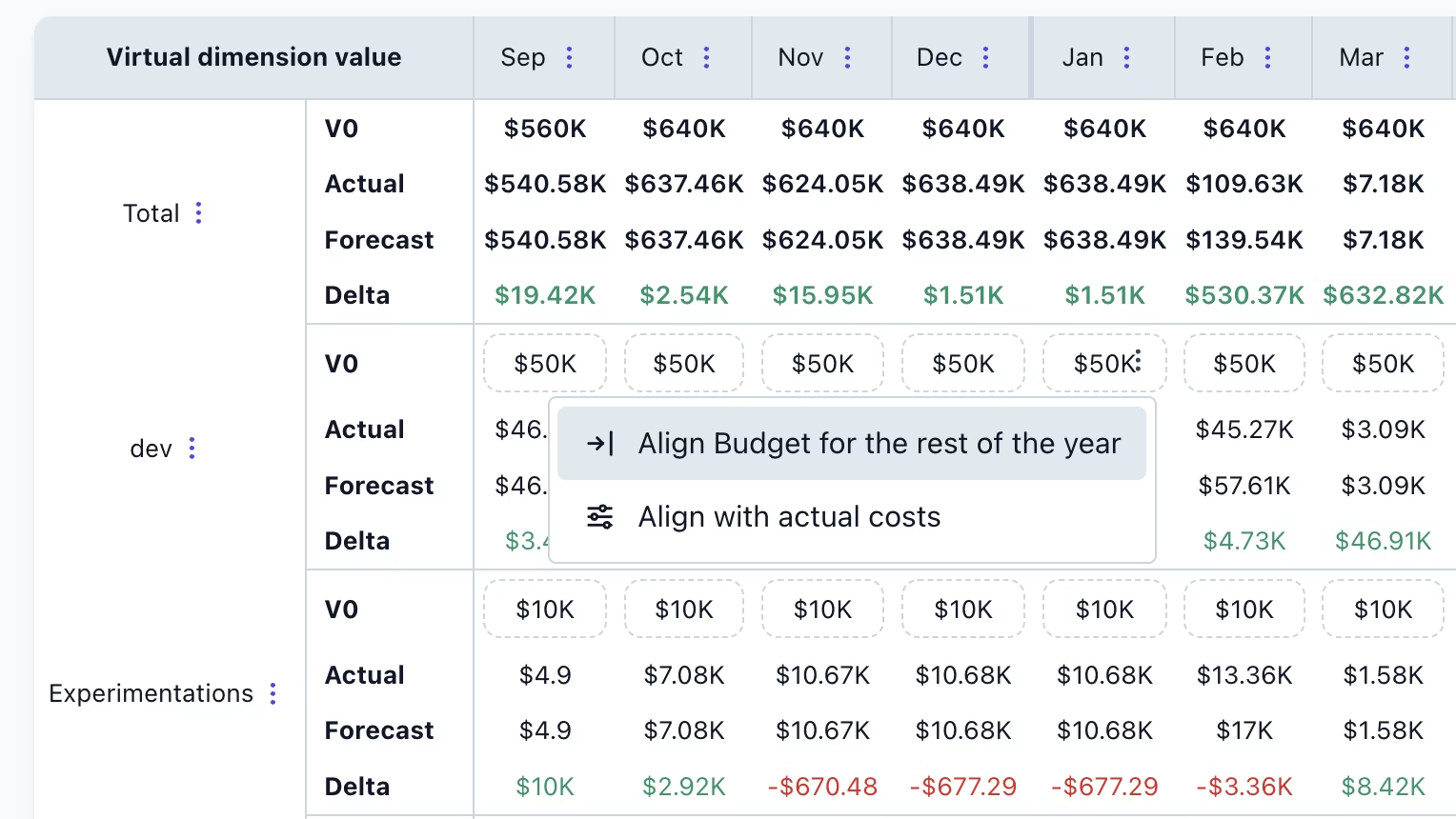
Setting up budgets just got a lot less tedious. We've added new filling options to help you configure your spend targets exactly how you want them.
-
Flexible Allocations: Set monthly targets manually or distribute a total amount evenly across the year.
-
Smart Baselines: Use your historical spend as a starting point, then tweak as needed (no more guessing from scratch).